
Kia Sportage: Windshield Glass / Components and components location
Kia Sportage QL (2015-2026) Service Manual / Body (Interior and Exterior) / Windshield Glass / Components and components location
| Components |
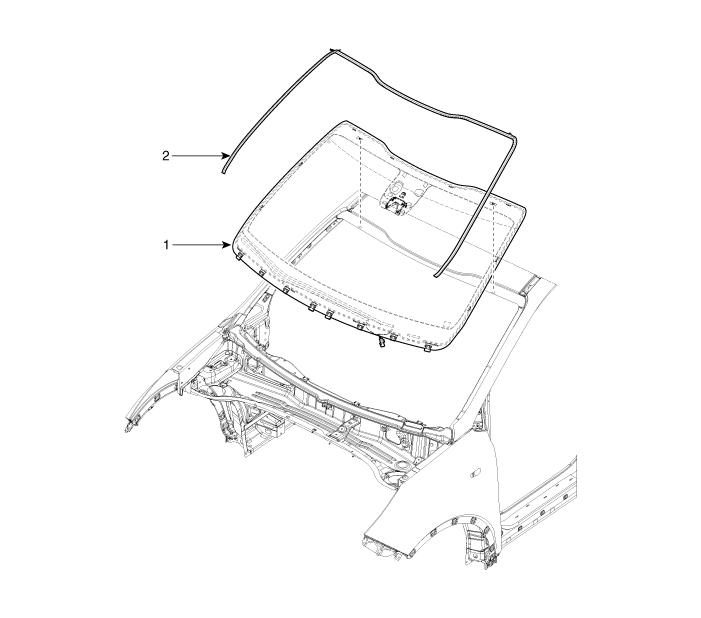
| 1. Windshield glass |
 Windshield Glass
...
 Repair procedures
Removal
Put on gloves to prevent hand injuries.
...
Other information:
Kia Sportage QL (2015-2026) Owners Manual: Main components of the occupant detection system
A detection device located within the front passenger seat cushion. An electronic system which determines whether the passenger air bag systems should be activated or deactivated. An indicator light located on the instrument panel which illuminates the words PASSENGER AIR BAG “OFF” ...
Kia Sportage QL (2015-2026) Service Manual: Rear Door Trim Repair procedures
Replacement Put on gloves to protect your hands. • Use a plastic panel removal tool to remove inter ...
Copyright © www.ksportagegl.com 2015-2026
